Quote → Invoice
Bill from the quote itself. Customer and quoted items stay on the same sale. The new invoice is listed against that quote.

Invoice the quote without typing it in again.
When you are ready to bill, create the invoice from the quote. The customer and the quoted items come across with it. You choose selected lines, a percentage, a fixed amount or the remaining balance.
Then send the invoice to MYOB, Xero or Reckon where that connector supports it.
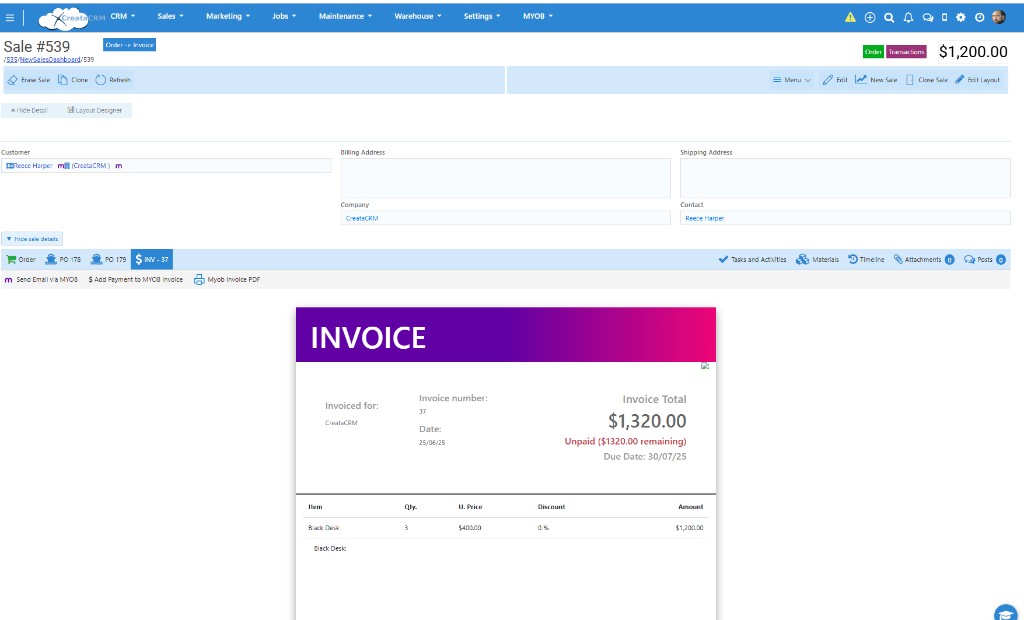
A sale in CreataCRM, with the invoice and the amount still unpaid
CreataCRM does not turn an accepted quote into an invoice on its own. From the quote, you run Quote to Invoice. A sales order or a job is only in the path when that is how you deliver the work.
Bill from the quote itself. Customer and quoted items stay on the same sale. The new invoice is listed against that quote.
Optional. Create the sales order from the quote, fulfil what you are supplying, then invoice from that order. Sales orders and warehouse cover stock and fulfilment.
Optional. Create the job from the quote, finish the work, then invoice from the job. Job management keeps the delivery record with the customer.
The steps are documented in Converting a Quote to an Invoice.
Each invoice starts from the quote. You pick the calculation, confirm it, and CreataCRM builds that invoice. You can raise more than one invoice against the same quote.
Invoice a percentage of what is still unbilled. 25% of a $1,000 balance creates a $250 invoice.
Invoice a percentage of the original quote total. 50% of a $4,000 quote creates a $2,000 invoice.
Type the amount this invoice should be. A value of 400 creates a $400 invoice.
Invoice whatever is still unbilled on the quote. A $750 balance becomes a $750 invoice.
Tick the quote lines to bill now. The other lines stay on the quote for a later invoice.
Use every quote line on this invoice when the whole quote is ready to bill.
Deposits, progress claims and split deliveries stay on one quote. Each invoice reduces what is left. CreataCRM will not let the invoices from that quote add up to more than the quote total, unless you explicitly allow it for that invoice.
A $4,000 quote is accepted. You invoice 50% now ($2,000). When the work is finished you invoice the remaining $2,000. A further invoice that would take the total past $4,000 is blocked, unless you allow that invoice to exceed the quote balance.
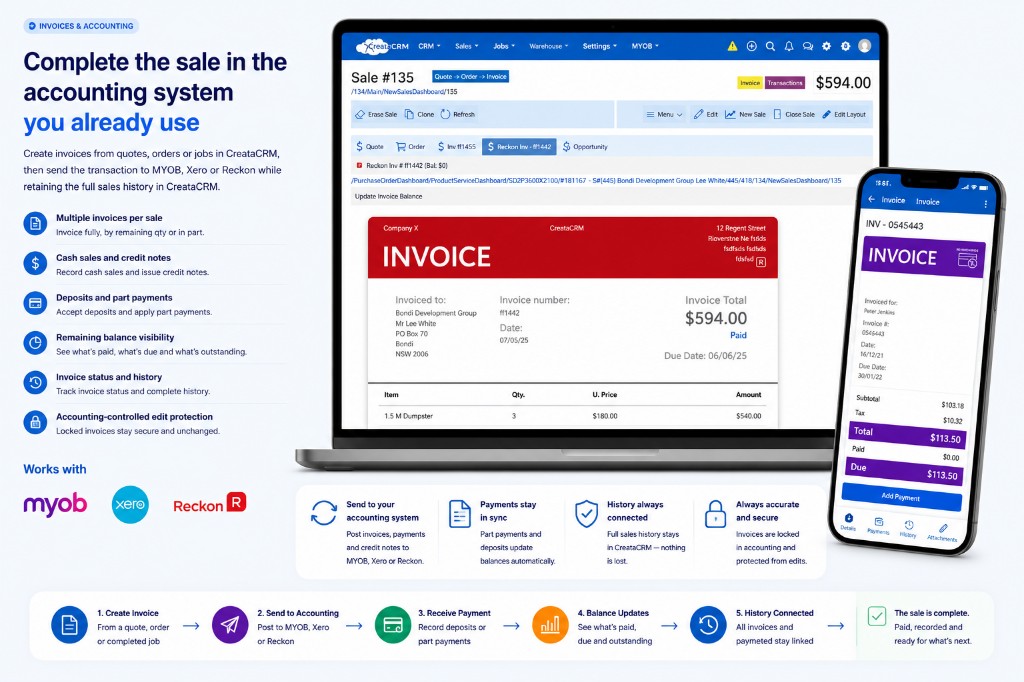
Invoice the portion that is due. The balance stays visible.
This path is optional. You create the sales order from the quote and choose which lines go on it. Lines already used on an order are not added again. If you have more than one warehouse, you set the warehouse on the line before the order can be created.
Authorise the order, reserve and ship what you have, and invoice the quantity you are billing — in full or for what remains. Fulfilment sits with warehouse.
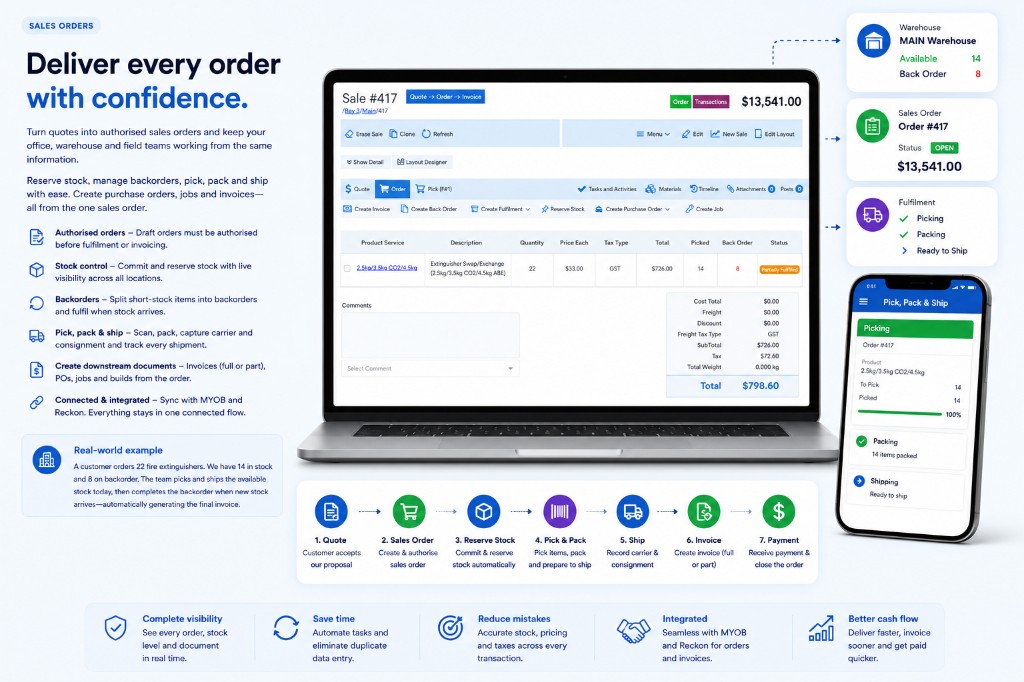
This path is optional. You create the job from the quote, assign who owns it, and choose which groups of lines belong on the job. One quote can become more than one job when the work needs to be split.
When the work is ready to bill, you create the invoice from the job. Job management can remind accounts; someone still raises the invoice.
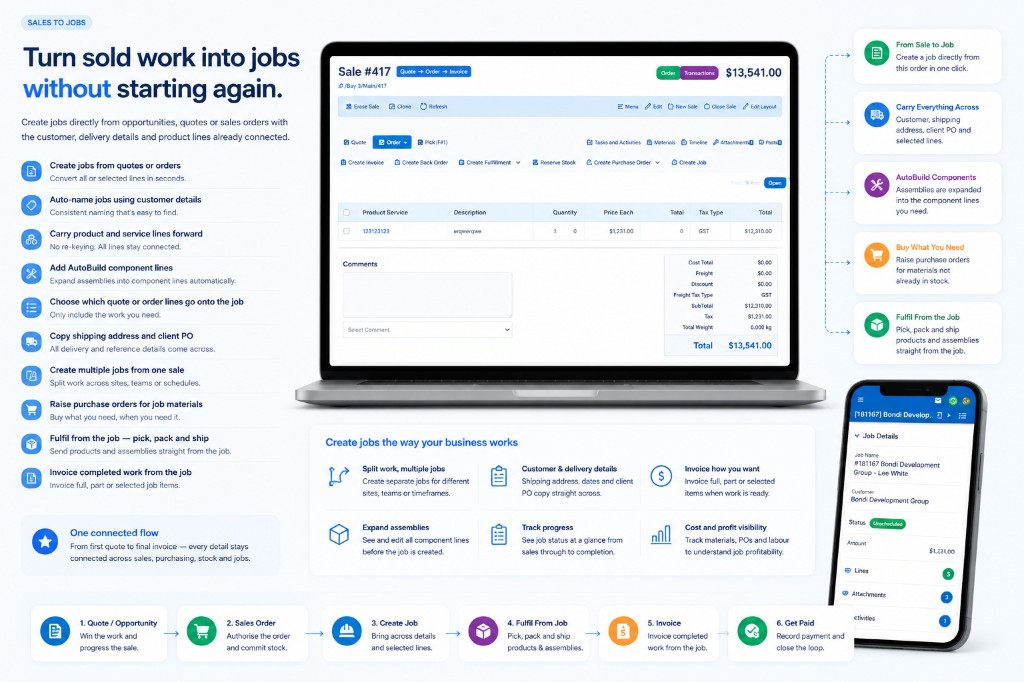
The invoice is created in CreataCRM. Sending it to MYOB, Xero or Reckon is a separate step, and only where that integration supports it. Payments stay in the accounting system. What each connector can do is not the same.
Send the invoice to AccountRight Live. Quotes, sales orders and stock checks stay available where supported.
Invoices are the main path into Xero, with payments, contacts and invoice history where supported.
Send invoices and estimates to Reckon Hosted, with sales orders and job sync where supported.
Compare connectors before the demonstration. Quotes and orders still start in Sales CRM.
Book a demonstration using a deposit, a progress claim, or a quote that is invoiced in full.